How do I get help with a trip?
+
Open Support from the menu. For a current trip you can contact the driver, raise a safety concern or get payment and billing help; for any trip you can raise a complaint from its details. Our support team is also reachable by phone from the Support screen.
How do referrals work?
+
Open Invite Friends from the menu and share your referral code. When a friend signs up with your code and completes the qualifying rides, you both receive the reward in your wallets. The current conditions are shown on the Referrals screen.
How do I delete my account?
+
Go to Settings > Personal Information and choose Delete Account. Your account and personal data are removed as described in our Privacy Policy. Any pending payments must be cleared first.
How do I update my profile or phone number?
+
Go to Settings > Personal Information. You can change your name, photo, email and emergency contact. Changing your phone number needs a one-time password sent to the new number.
What safety features are available?
+
Open Support > Safety concern during a ride. You can share your live location with trusted contacts, call the police, ambulance or our support line with one tap, and report an issue about the driver, route or vehicle with photos. Add your emergency contact under Settings > Personal Information.
How do I contact my driver?
+
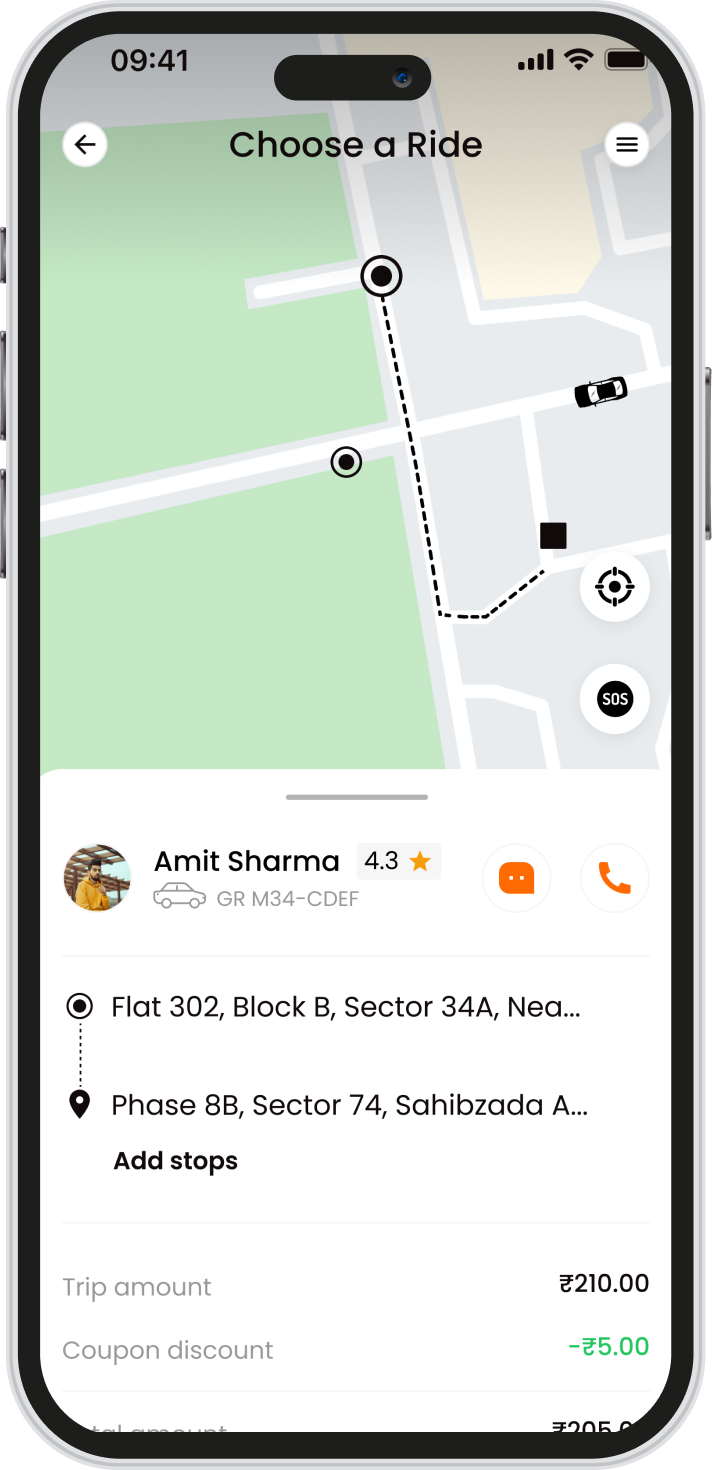
From the ride screen or Support you can call or chat with the driver as soon as the ride is accepted. Your phone number is not shown to the driver when you call through the app.
Can I track my ride and share it with someone?
+
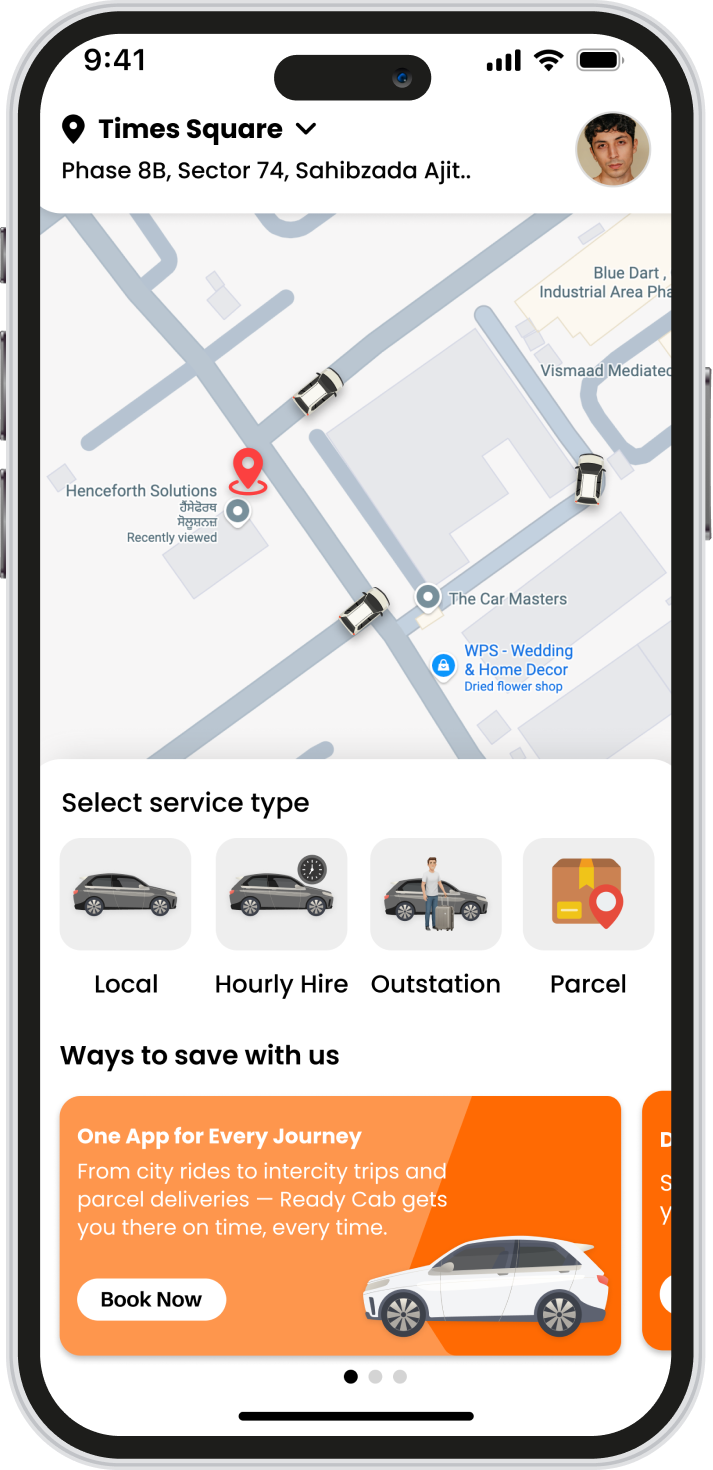
Yes. Once a driver accepts, the ride screen shows the driver, vehicle and live location on the map. Tap Share to send a live tracking link to family or friends; they can follow the trip in their browser without the app.
How do airport pickups and drops work?
+
Choose Airport, select whether you are going to or coming from the airport, pick the airport and terminal, and confirm your pickup point and time. Airport rides can be scheduled in advance so a driver is ready when you land or need to leave.
How do outstation and tour bookings work?
+
Choose Tours/Outstation, enter your destination and pick Round Trip or One Way with your travel dates. Fares for each vehicle are shown before you confirm; a round trip can include a night stay, which is shown separately in the fare. Outstation rides are scheduled, and your driver details are shared once assigned.
How do hourly rentals work?
+
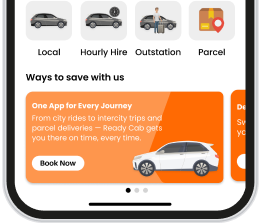
Choose Rental on the Home screen, set the pickup, the number of hours you need and the vehicle. The driver stays with you for that time and you can make as many stops as you like. If the trip runs longer than the hours booked, the extra time is charged at the hourly rate shown when you booked.
How do refunds work?
+
If a ride is cancelled after an online payment, or a payment fails after the amount was deducted, the amount is returned to your wallet or the original payment method. The refund summary is shown on the cancellation screen and in your wallet transactions.
How do I cancel a ride, and is there a fee?
+
Open the ride or go to Support > Cancel Ride, choose a reason and confirm. Cancelling before a driver is assigned is free. Once a driver has accepted and is on the way, a cancellation fee may apply; the app shows the fee and any refund before you confirm.
Can I tip my driver?
+
Yes. You can add a tip while a ride is being confirmed or after it ends. The tip goes entirely to the driver.
How does the wallet work?
+
Your wallet holds money you add in advance and any refunds or referral rewards. Select Wallet as the payment method and the fare is deducted automatically when the ride ends. Your balance and transactions are shown on the Wallet screen.
What payment methods can I use?
+
You can pay in cash to the driver, from your in-app wallet, or online by card, UPI or net banking through our secure payment partner. Choose the method on the payment step before confirming the ride.
How do I use a coupon or promo code?
+
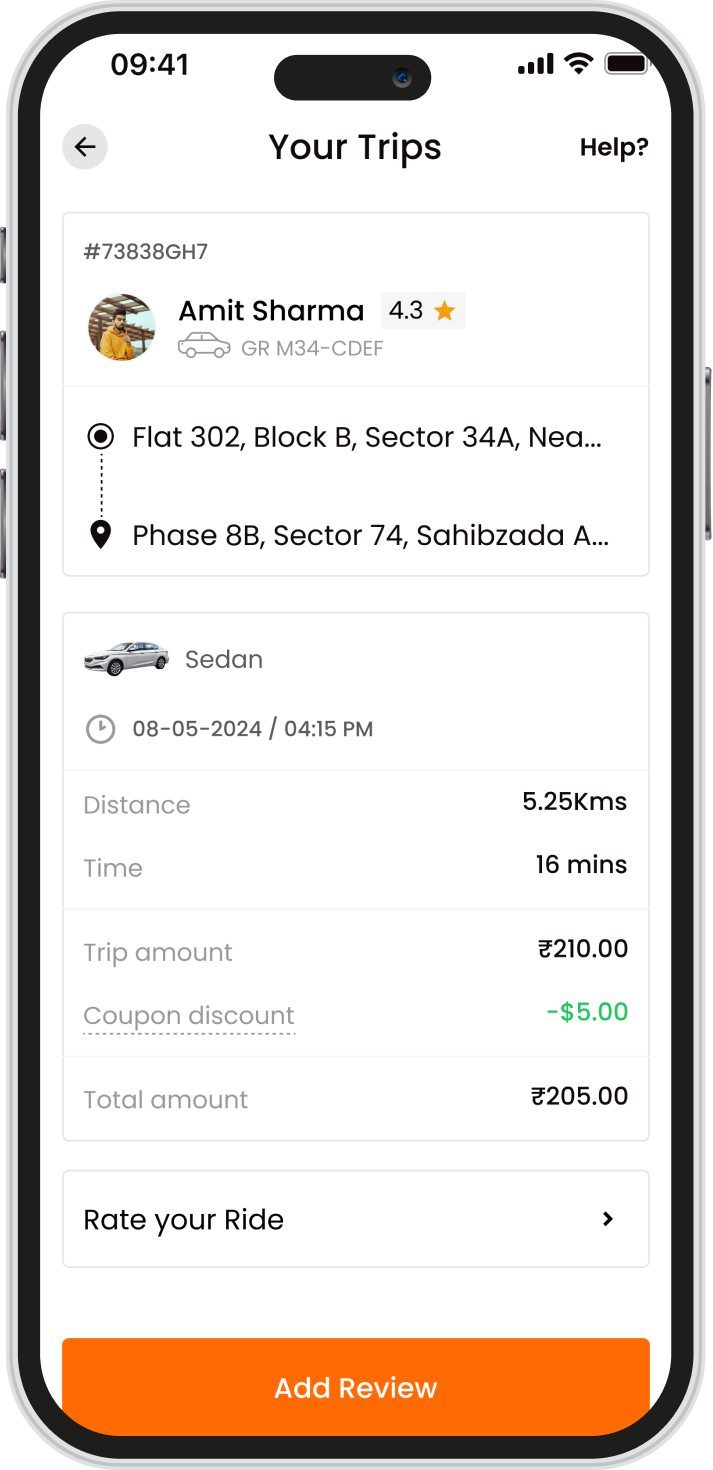
On the payment step tap Apply Coupon, choose an offer from the list or enter your code. The discount is shown in the fare before you confirm. Each coupon has its own conditions, such as a minimum fare or a maximum discount.
How is my fare calculated?
+
The fare shown before you confirm includes the base fare for the distance and time, any applicable surcharge, taxes and fees. That is the amount you pay unless the trip changes, for example extra stops, waiting time or a longer route you request.
Can I add stops to my trip?
+
Yes. Tap Add Stop while entering your trip. The number of stops allowed and the waiting time at each stop depend on the type of ride; the app shows the limit when you add one.
Can I schedule a ride for later?
+
Yes. While booking, choose Schedule and pick the date and time. Scheduled rides appear under Activities > Upcoming Trip, where you can reschedule or cancel them before the driver is assigned.
How do I book a ride?
+
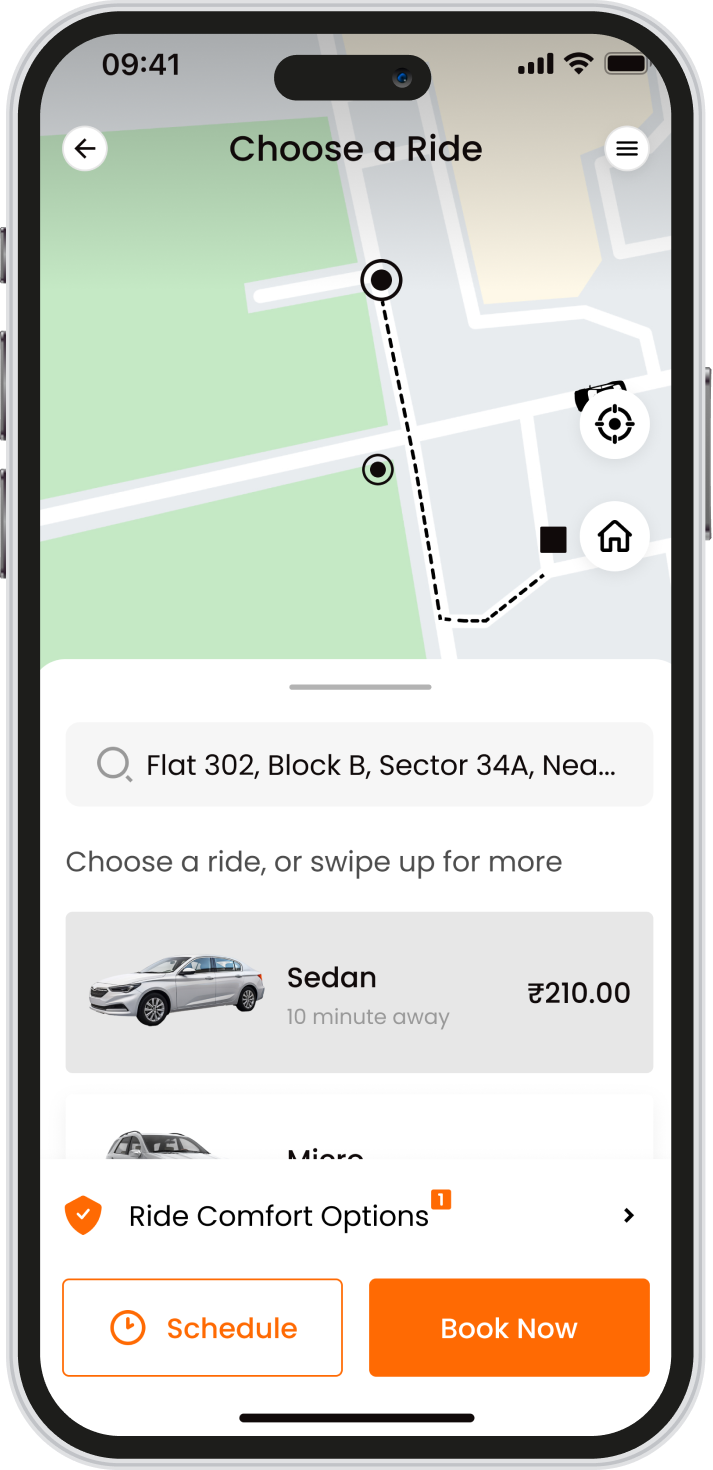
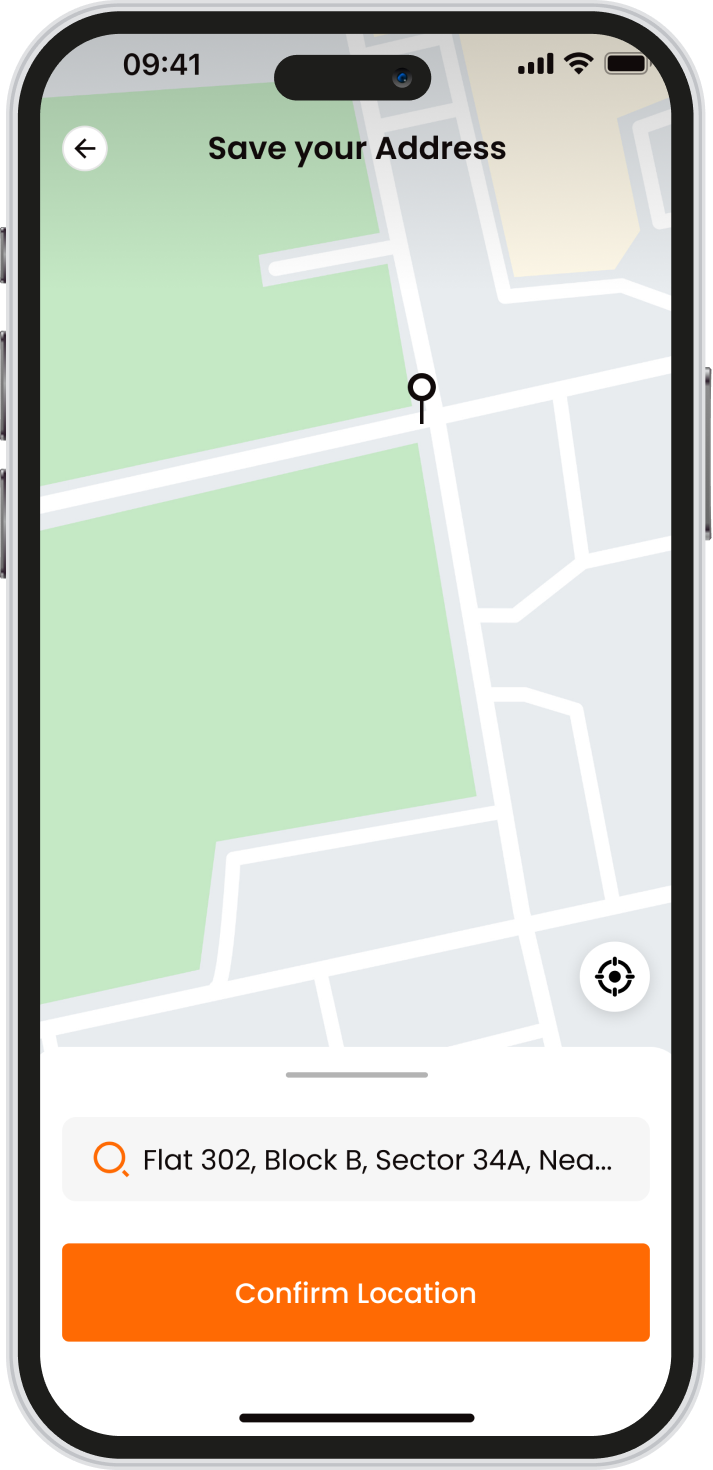
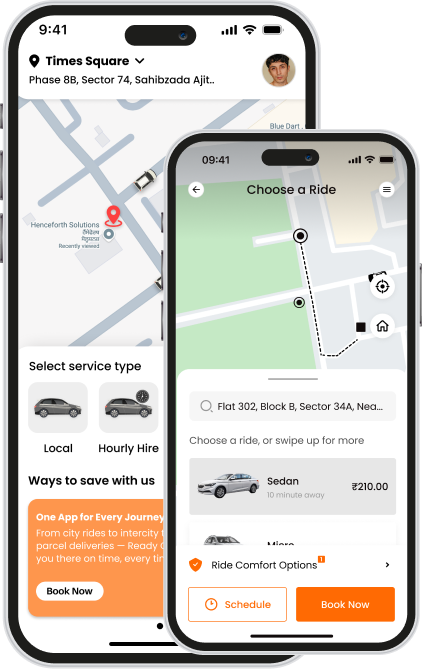
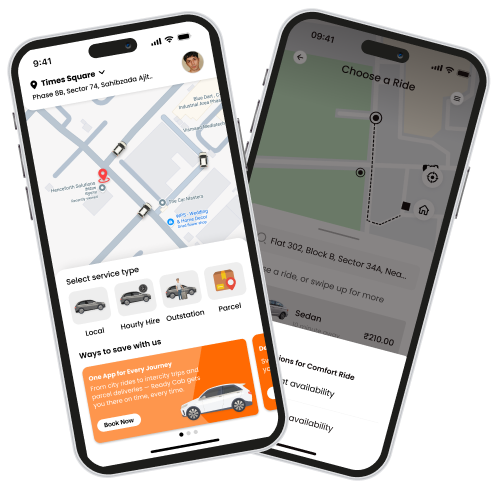
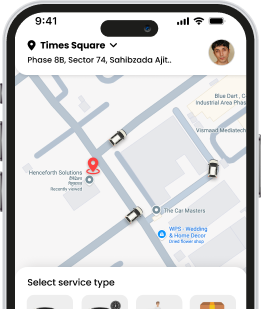
On the Home screen tap Local Ride, choose your pickup and drop-off (or pick a popular location), then select a vehicle from the fares shown. Choose how you want to pay and confirm. We then look for a nearby driver and notify you as soon as one accepts.